

extraction
Excel to Markdown for AI agents
Why agents need spreadsheet extraction before they can reason over workbooks, and how Frenchie turns XLSX files into sheet-aware Markdown.
Excel is where business context goes to hide.
Forecasts, customer exports, onboarding checklists, budget models, migration trackers. They all arrive as workbooks because spreadsheets are still the default collaboration surface for teams that need rows, columns, formulas, and "just one more tab."
Agents are good at reasoning over the contents of those files. The annoying part is getting the workbook into a shape the agent can read without pretending Excel is plain text.
The problem is not the spreadsheet
The problem is the handoff.
An XLSX file can contain multiple sheets, notes, merged cells, formulas, and tables that only make sense when sheet boundaries stay intact. Copy one sheet into chat and the agent loses the workbook structure. Paste the whole thing and you burn context on formatting noise. Write a parser yourself and now you own a small spreadsheet-ingestion project.
That is a lot of ceremony before the actual task starts.
Usually the task is simple:
- Compare forecast against actuals.
- Find rows with missing owner fields.
- Explain why the partner pipeline changed.
- Draft a status update from the workbook.
The agent can do those jobs once it has clean text. Frenchie handles the file-reading part.
What Frenchie does
Frenchie adds extract_to_markdown, an MCP tool for DOCX, XLSX, CSV, TSV, and PPTX files.
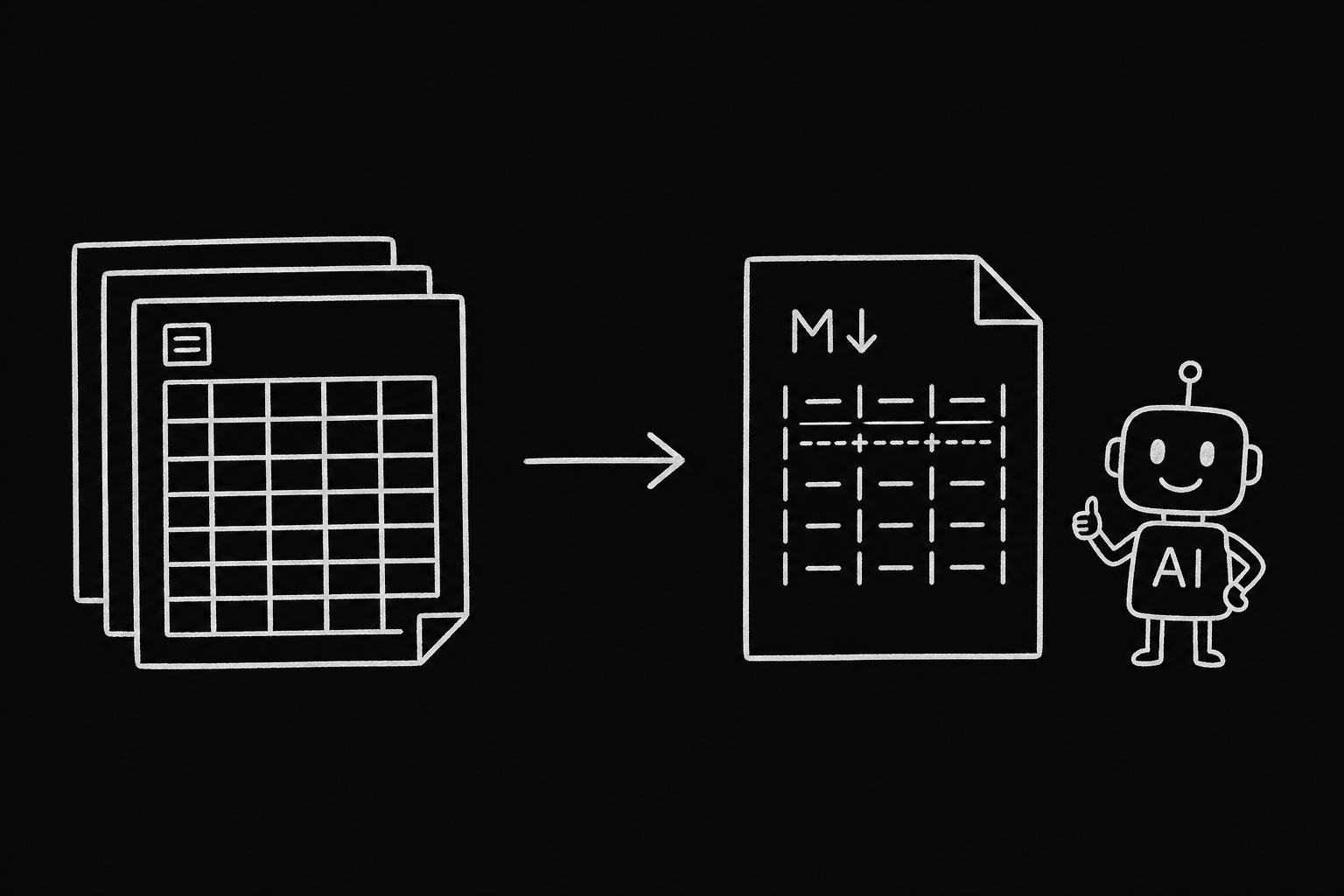
For Excel, Frenchie extracts the workbook sheet by sheet and returns Markdown tables. In stdio mode, the Markdown lands in your workspace:
.frenchie/forecast/result.md
Your agent reads that file and does the reasoning from there.
That boundary matters. Frenchie is not a spreadsheet brain. It does not replace Excel, BI tools, or your agent's reasoning. It turns the workbook into Markdown so the agent can do the next step.
What it costs
XLSX extraction is 0.5 credit per sheet. At $1 = 100 credits, a 6-sheet workbook costs 3 credits, or $0.03.
The same extraction tool covers the rest of the Office/spreadsheet set:
- DOCX: 0.5 credit per page
- XLSX: 0.5 credit per sheet
- CSV/TSV: 0.5 credit per file
- PPTX: 1 credit per slide
DOCX, XLSX, and PPTX files can be up to 50 MB. CSV and TSV files can be up to 20 MB.
The agent workflow
Install Frenchie once:
npx @lab94/frenchie install --api-key fr_...
That command installs the MCP tools and the Frenchie skills together, so your agent has both the callable tool and the instructions for when to use it.
Then ask naturally:
Extract ./finance/q3-forecast.xlsx with Frenchie.
Compare forecast vs actuals and list the three largest variances.
Frenchie extracts the workbook. Your agent reads the Markdown and writes the answer.
No spreadsheet upload UI. No converter script. No second dashboard.
When not to use it
Use Excel, a database, or a warehouse if you need heavy calculation, million-row analytics, pivots, or live spreadsheet editing.
Use Frenchie when the file is part of an agent workflow and the next thing you need is readable Markdown.
That is the whole shape: file in, Markdown out, reasoning after.