

primer
MCP for beginners: what it is and why Frenchie picks it
Model Context Protocol is the quiet standard reshaping how AI agents get tools. What it actually is, why it matters, why Frenchie bet the whole product on it.
Ask an engineer what MCP is, and you'll get a confident three-sentence answer that happens to be mostly wrong. Ask a product person, and you'll get a vague "it's how agents talk to tools." Ask an AI researcher, and you'll get a nuanced paragraph that correctly answers the question nobody asked.
The Model Context Protocol is actually simple. But it's one of those simple things that matters more than it looks like it should. This is a primer for the person who's heard the acronym in a few too many meetings and would like a clean mental model.
What MCP is
MCP is a protocol for AI agents to call external tools.
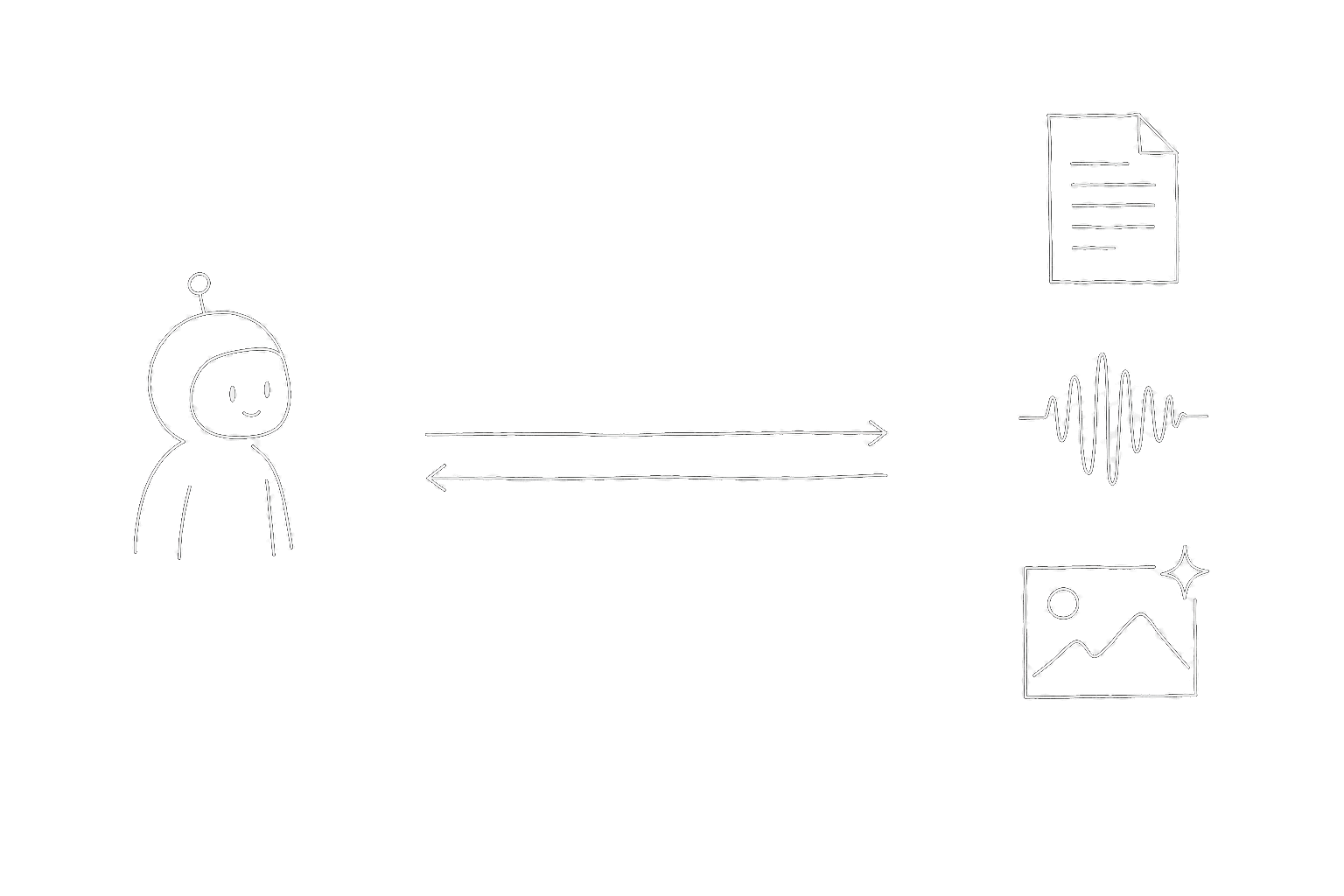
That's it. No magic, no orchestration layer, no hidden reasoning component. It's the set of conventions a tool provider follows so that any MCP-compatible agent can call that tool without custom integration code.
The protocol defines:
- Tool discovery. How an agent asks "what tools are available?" and gets back a machine-readable list.
- Tool invocation. How an agent says "run tool X with arguments Y" and gets back results.
- Tool schemas. How a tool describes its inputs, outputs, and side effects.
- Transport. How the messages get from agent to tool — stdio for local tools, HTTP for hosted tools.
If you've seen OpenAI's function calling, or Anthropic's tool use, MCP is the open-standard version of the same idea. It's what function calling looks like when you peel it off any one LLM provider's API and make it portable.
Why MCP matters
Before MCP, every AI-powered product had to reinvent the tool-calling layer. Claude Code had its own tool system. Cursor had a different one. Codex had a third. If you wanted your tool to work in all of them, you wrote three adapters.
That sucked for tool builders. It sucked more for users, because it meant the tool ecosystem was fragmented along client lines — tools that worked in Claude Code didn't work in Cursor, and vice versa. You had to pick your client before you picked your tools.
MCP undoes that fragmentation. A tool built as an MCP server works in every MCP client. Today that's Claude Code, Cursor, Codex, Antigravity, Windsurf, VS Code (GitHub Copilot), Gemini CLI, Zed, Claude Desktop, and an expanding list of others. One protocol, one implementation per tool, every client.
That's a compounding advantage. Every new MCP client that ships adopts the whole existing tool ecosystem by default. Every new MCP tool that ships works in every client from day one. The ecosystem grows faster because the integration tax is zero.
The two transports
MCP has two ways for an agent to talk to a tool:
- stdio — the tool runs as a local process, the agent spawns it and communicates over standard input/output. Fast, no network, works offline. The default for most developer tools.
- HTTP — the tool runs as a remote service, the agent calls it over HTTP. Slower but works from anywhere, doesn't require installing anything locally. Good for hosted agents or SaaS integrations.
You'd think this is an implementation detail, and mostly it is. But it has one user-visible consequence: stdio tools are installed locally (usually via npx), while HTTP tools are configured with a URL. The install steps look different, but the resulting agent experience is identical — a tool call is a tool call.
Frenchie ships both. The primary path is stdio (npx @lab94/frenchie install --api-key fr_…) because that's what works in every local coding agent. The HTTP fallback at mcp.getfrenchie.dev exists for hosted and web agents (Lovable, Manus, Claude.ai, ChatGPT.com, Le Chat) that can't spawn local binaries.
What MCP isn't
A lot of the confusion around MCP comes from things it's not. For the record:
- MCP is not an agent. It's the wire between an agent and a tool. The agent itself — the LLM doing the reasoning, the conversation handler, the UI — is a separate thing.
- MCP is not an orchestrator. It doesn't decide which tool to call when. That's the agent's job. MCP just delivers the call.
- MCP is not a runtime. It doesn't host your code. Your tool runs wherever you run it (locally via stdio, remotely via HTTP); MCP just standardizes how the agent talks to it.
- MCP is not an alternative to RAG or vector databases. Those are different layers. An MCP tool can query a vector database if that's what it needs to do, but MCP itself is just the call interface.
If you find yourself confused about whether something is "MCP" or not, the test is: does it describe how an agent invokes external functions, or does it describe what those functions do? MCP is the first, everything else is the second.
Why we bet on MCP for Frenchie
When we started building Frenchie, we had two choices for distribution: build a REST API that every agent has to integrate separately, or build an MCP server and get distribution across every MCP client for free.
REST would have been slightly faster to prototype, because we wouldn't have had to learn the protocol. Every other trade-off pointed the other way:
- Distribution. MCP gets us into nine local coding agents and a handful of hosted ones on day one. REST would have required a per-client adapter or a wrapper library per ecosystem.
- User experience. An MCP tool shows up as a native function call in the agent's interface. A REST API shows up as "paste this curl command into a helper script." Guess which one users actually use.
- Durability. MCP is an open standard maintained by a large and growing community. It'll outlive any one vendor's tool-calling format. Betting on MCP means not having to rewrite the integration layer every time OpenAI or Anthropic shifts their tool-use API.
- Narrow scope. MCP is designed for exactly the kind of narrow, focused tool Frenchie is — OCR for PDFs and images, transcription for audio and video, Office/spreadsheet extraction to Markdown, and image generation from text prompts. One protocol, one interface, many clients. A good fit for a product that doesn't want to be a platform.
We kept the HTTP endpoint as a secondary option because some users genuinely can't use stdio (hosted agents, web-based chat interfaces). But everything about the product is designed around the stdio MCP contract being the primary path.
How to try it
If MCP is new to you and you want to feel what an MCP tool is like, Frenchie is a pretty gentle way in:
- Open a local coding agent — Claude Code, Cursor, Codex, or any other MCP client.
- Run
npx @lab94/frenchie install --api-key fr_your_key_here(you can sign up for 100 free credits first if you want a key). - Restart your agent.
- Drop any PDF into your agent and ask it to OCR it, any audio or video file and ask it to transcribe, or any prompt and ask it to generate an image.
You'll see the tool call appear as a native function invocation in the agent's transcript — ocr_to_markdown(file: "…"), transcribe_to_markdown(file: "…"), or generate_image(prompt: "…") — with the result coming back inline or saved next to your work. That's MCP doing its job, quietly, the way it's supposed to work.
No dashboards, no adapters, no integration code. One protocol, one install, every agent.
Further reading
If you want to go deeper on MCP itself, the canonical source is modelcontextprotocol.io. The spec is surprisingly readable for a protocol spec.
If you want to see how MCP fits into a specific agent's workflow, our per-agent install guides cover the nine Tier-A clients we support — each one has its own quirks (Cursor toggles, Codex TOML, Claude Desktop's config location) that are worth knowing going in.
If you want to see how we think about MCP-vs-alternatives in practice, our comparison pages lay out when Frenchie's MCP-first approach is the right call and when a different tool fits better. We mean it when we say "honest" — there are workflows where Marker, LlamaParse, Whisper, AssemblyAI, or Deepgram will serve you better. The goal of this blog isn't conversion, it's clarity.