

origin
Why we built Frenchie: the MCP tools gap
Agents write code and reason about systems. Drop a scanned PDF or a 30-minute recording in front of one and most hit a wall. That wall is why Frenchie exists.
A modern coding agent can do impressive things. It can write a week's worth of code in an hour. It can reason about system design, refactor a gnarly function, and negotiate with a package manager. Hand it a business problem and it'll come back with a solution, a test suite, and usually an unsolicited architectural opinion.
Drop a scanned contract in front of that same agent, and it falls apart.
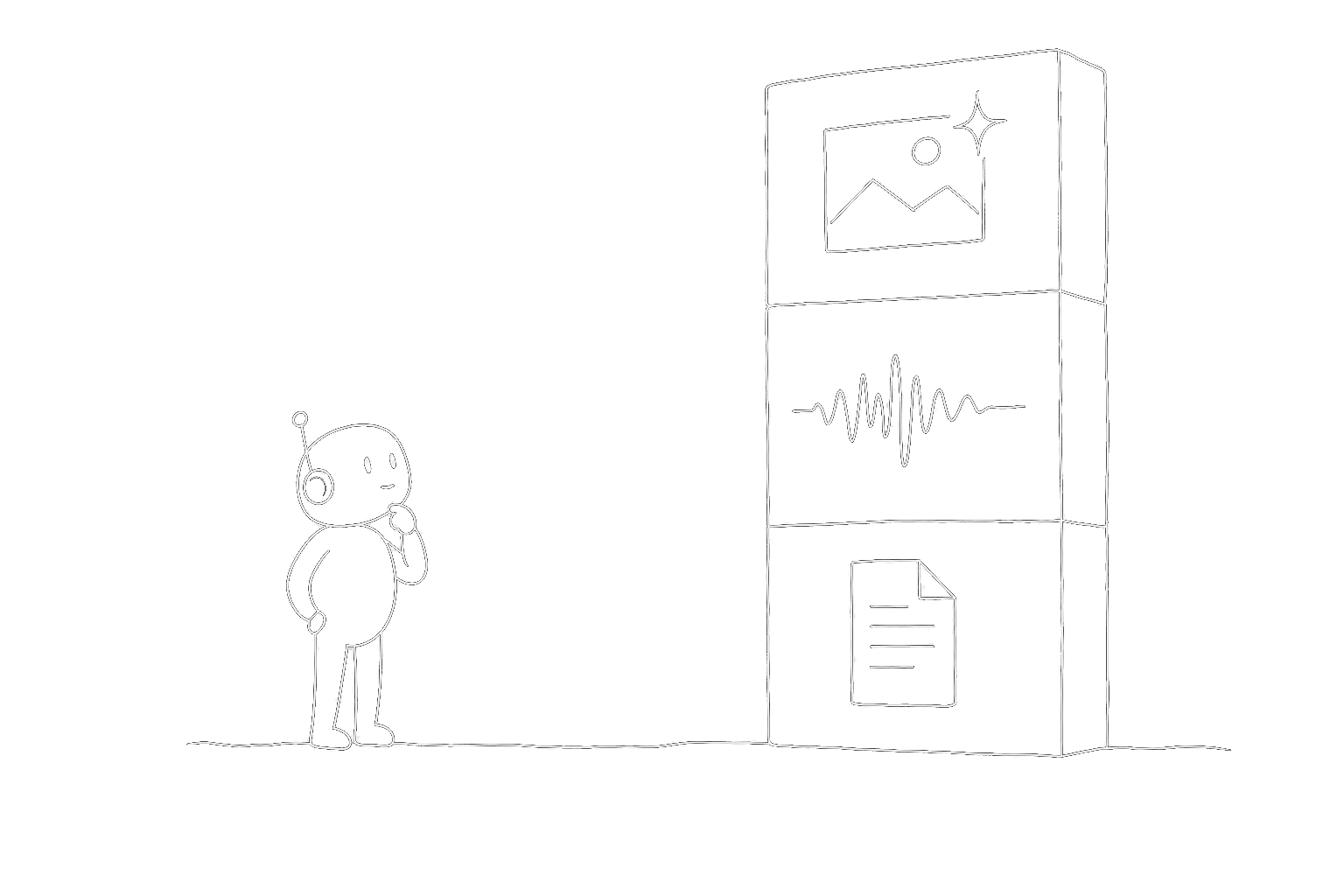
We've watched it happen in every MCP client we use. Claude Code tries to read a PDF and either succeeds on clean digital text or returns a confused paragraph about how the document appears to be image-based and therefore unreadable. Cursor hands the file to the model as raw bytes, which is worse — 30,000 tokens later the agent has "read" the document but missed every table. Codex just declines the task politely. None of these tools are broken. They're just pointed at the wrong problem. They're reasoning engines. The file extraction problem is a different shape.
The tools gap
MCP — the Model Context Protocol — is the most interesting thing that's happened to agent tooling in the last two years. It finally gives agents a clean way to call external tools without every product reinventing the wiring. Install an MCP server, and any MCP client (Claude Code, Cursor, Codex, Antigravity, Windsurf, VS Code, Gemini CLI, Zed, Claude Desktop) can call its tools natively. No custom adapter per client. No glue code per workflow.
The ecosystem has filled in fast. There are MCP servers for databases, for APIs, for file systems, for project management, for browser automation, for everything you'd expect. But when we looked for the file capabilities agents actually need — OCR, transcription, Office/spreadsheet extraction, and image generation — the answer was the same everywhere: build it yourself, or stitch together commercial APIs with your own chunking, retry, and storage logic.
That's a gap worth filling.
What Frenchie is
Frenchie is a narrow, purpose-built MCP server that gives your AI agent focused file abilities:
- Read (OCR) — PDFs and images in, clean Markdown out. Scanned documents, handwritten notes, research papers with tables and figures, invoices, contracts. Whatever shape the file arrives in, your agent gets back prose it can actually read.
- Listen (transcription) — audio and video in, clean Markdown out. Meeting recordings, sales calls, podcast episodes, voicemails. Async by default — your agent submits the job and keeps working instead of blocking on long files.
- Extract (Office/spreadsheet extraction) — DOCX, XLSX, CSV, TSV, and PPTX in, clean Markdown out. Your agent gets the document, workbook, export, or deck in a shape it can inspect.
- Create (image generation) — text prompt in, image file out. Product mockups, blog covers, concept art. Auto-saved next to your agent's work, no separate playground to manage.
That's the whole product. No dashboards. No workflow builder. No platform. A tool you install once, use through your agent's native tool call syntax, and mostly forget is there.
Why narrow is a feature
We had the conversation early about expanding scope. We could add structured extraction. We could add summarization. We could add a semantic chunker. Every one of those features sounds reasonable in isolation. Together they turn a narrow tool into a platform, and platforms are harder to use, harder to trust, and harder to replace if we get any decision wrong.
Narrow means we can ship a change without triggering a cross-product coordination meeting. Narrow means pricing stays predictable — $1 for 100 credits, one credit per OCR page, two credits per transcription minute, twenty credits per generated image, full stop. Narrow means when someone asks "what does Frenchie do?" there's a one-sentence answer.
Your agent already handles summarization. Your agent already does structured extraction. Your agent has an LLM bolted onto it — let that LLM do the reasoning work, and let Frenchie do the boring file-reading work it was never going to be good at.
What we picked
We made three choices that we think will still be the right ones a year from now:
- MCP-first, not REST-first. The primary integration path is stdio MCP. Install Frenchie with one command (
npx @lab94/frenchie install --api-key fr_…), restart your agent, and the OCR, transcription, Office/spreadsheet extraction, and image generation tools show up as native function calls. HTTP atmcp.getfrenchie.devexists as a fallback for hosted agents that can't spawn local binaries, but it's deliberately not the main path. - Pay-as-you-go, not subscription. Subscriptions make small use cases uneconomic for the people we most want to help — indie devs, small teams, anyone whose use case doesn't fit a monthly quota. A year of casual use shouldn't cost more than a lunch.
- Files processed and deleted. We don't store your files. We don't train on your files. Results expire 30 minutes after delivery. This is an engineering choice, not a marketing promise — we don't have infrastructure for retention even if we wanted it.
What we're not
We're not a transcription platform trying to be everything. We're not a sales-intelligence product. We're not competing with Whisper on batch throughput or with AssemblyAI on audio intelligence. If your workflow lives in those shapes, use those tools — we have honest comparisons for every major alternative.
We're the narrow thing that plugs the gap in the MCP ecosystem. That's it.
What's next
We ship incrementally. The changelog is the honest record of what's landed. If you want to know what we're thinking about next, watch the changelog — we don't pre-announce features we haven't committed to building.
If Frenchie sounds like it fits somewhere in your agent workflow, sign up for 100 free credits and try it against a real file from your own work. Worst case you spent nothing and learned something.